
Smart Do Not Disturb for Hotels
Do Not Disturb
that ends
automatically
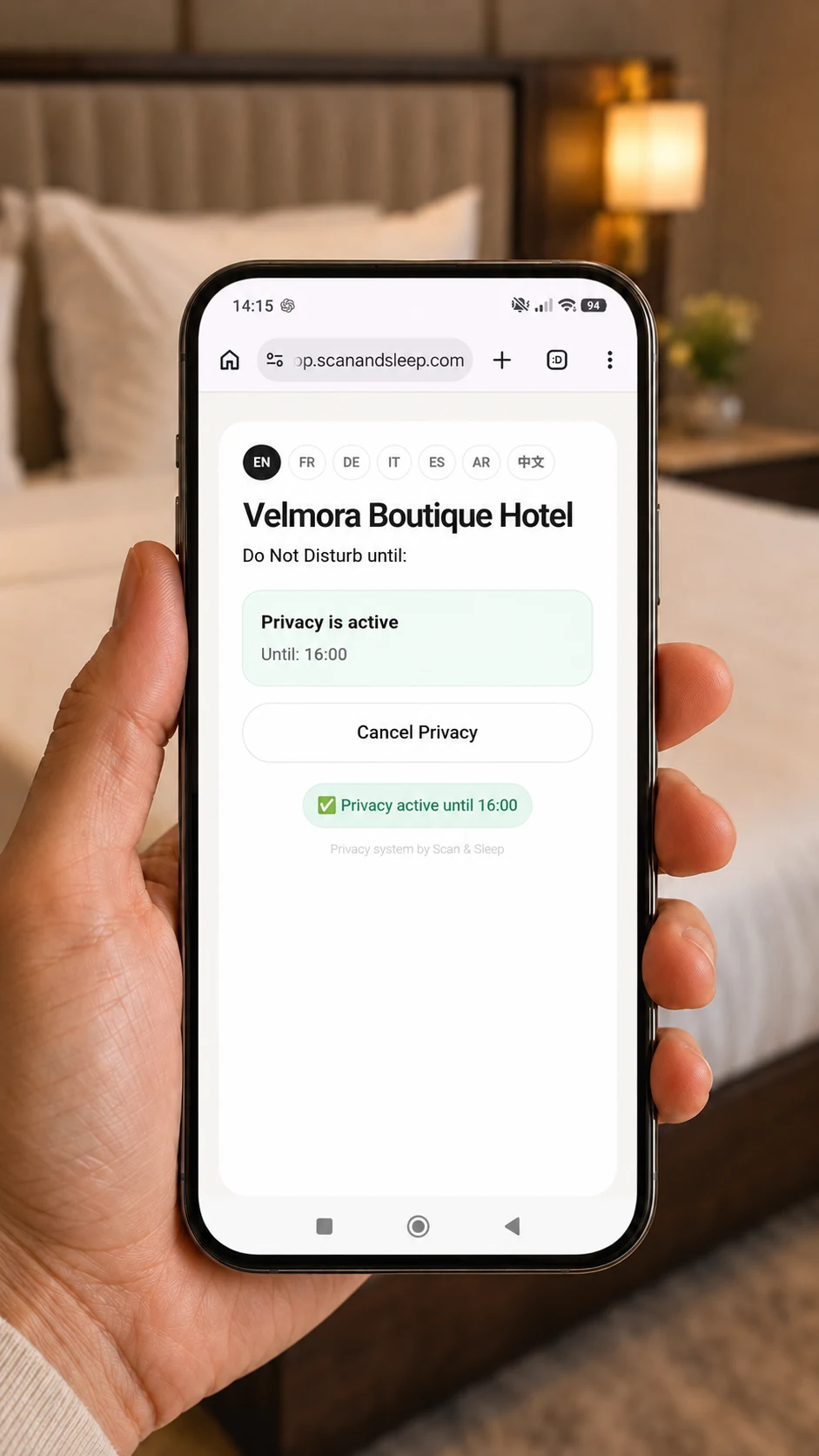
Guests scan the room QR, choose how long they need privacy, and staff see the DND status live.
No credit card required
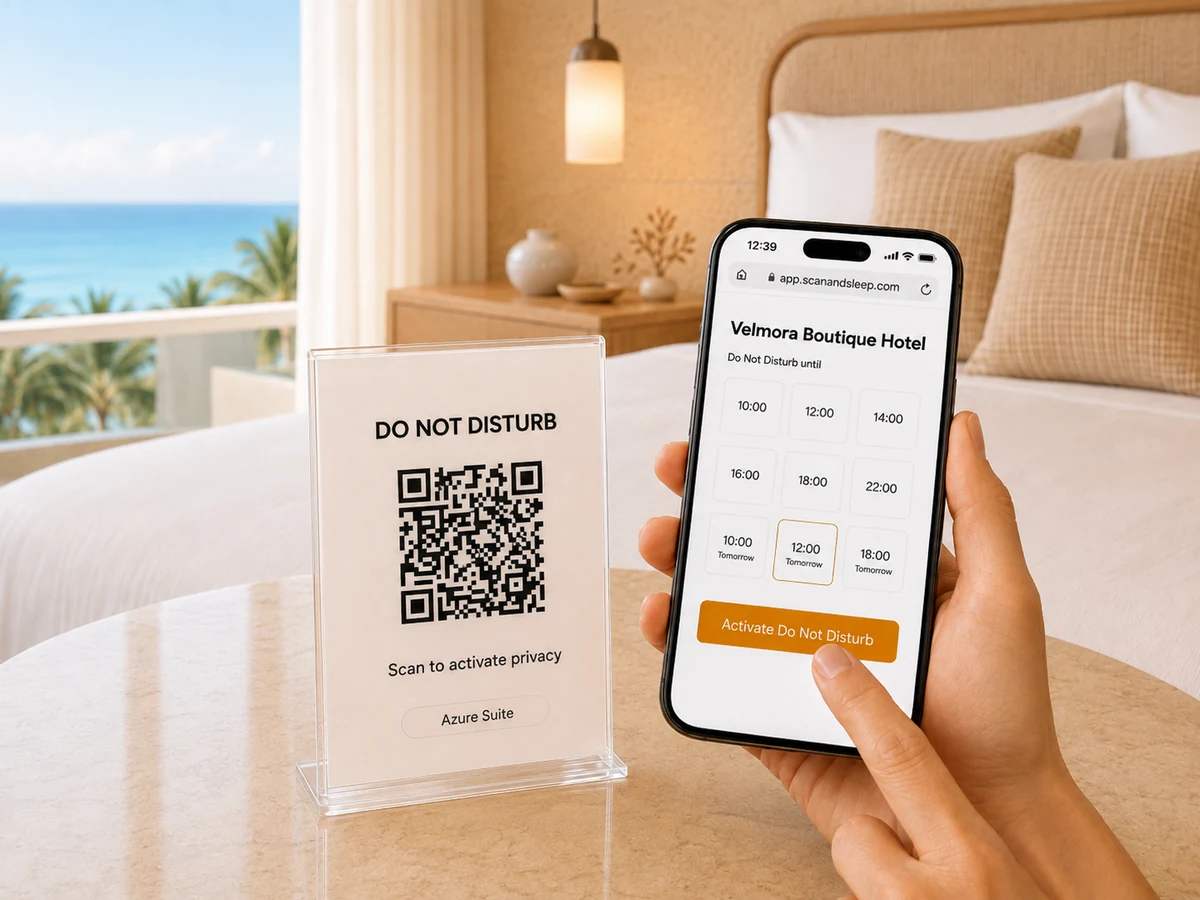
Azure Suite
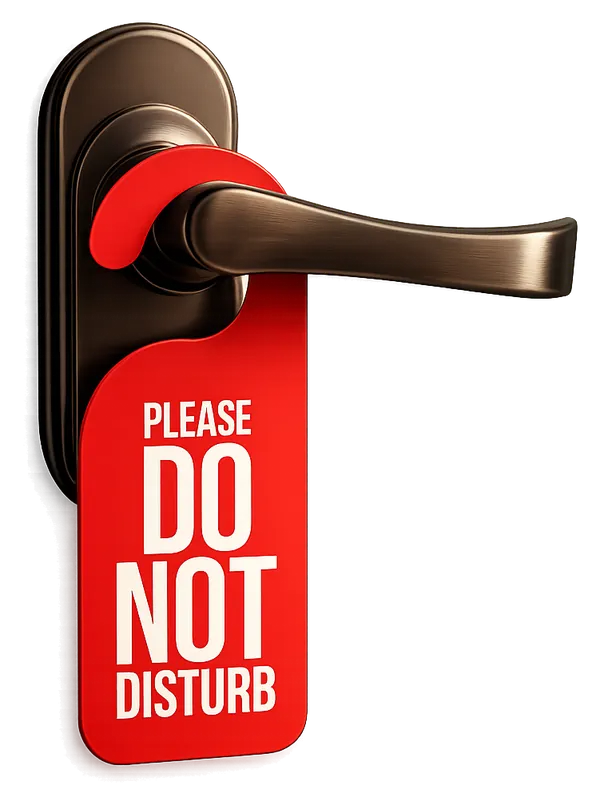
Replace traditional Do Not Disturb signs with an online system
Has this happened at your hotel?
Traditional door signs are simple, but they do not provide staff with a live, reliable room status.
Forgotten DND sign
The sign remained on the door, and the room was not serviced in time.
Missed service windowInterrupted sleep
The guest wanted to rest longer, but the door sign was not clearly noticed.
Guest interruptionDND sign moved
The sign fell, was moved or was turned around, leaving the guest request unclear.
Unclear room statusScan & Sleep turns a door sign into a live status.
Real-time visibility. Automatic expiry. Clearer room status for your team.
From QR scan to live staff status
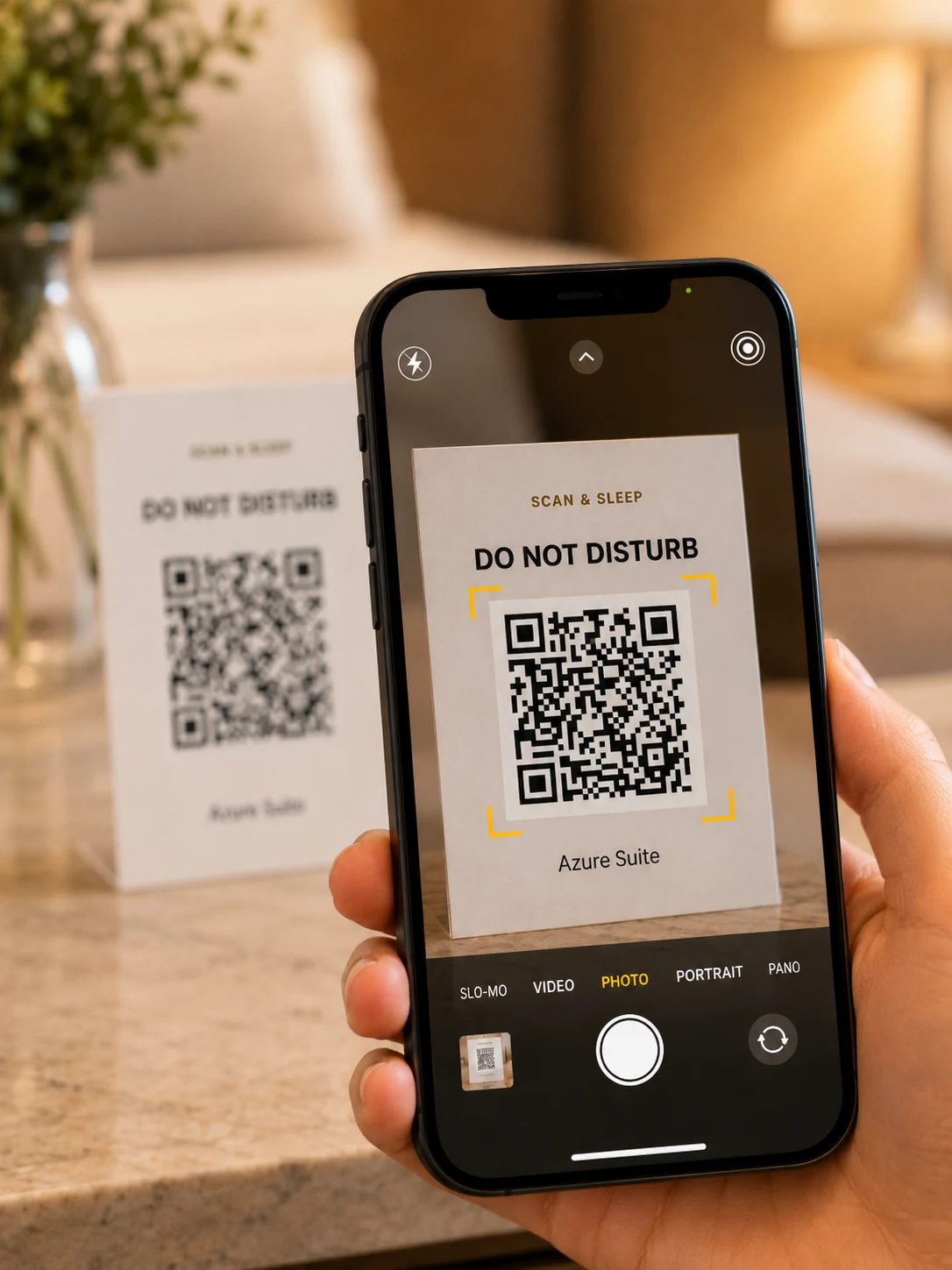 01
01
SCAN THE ROOM QR
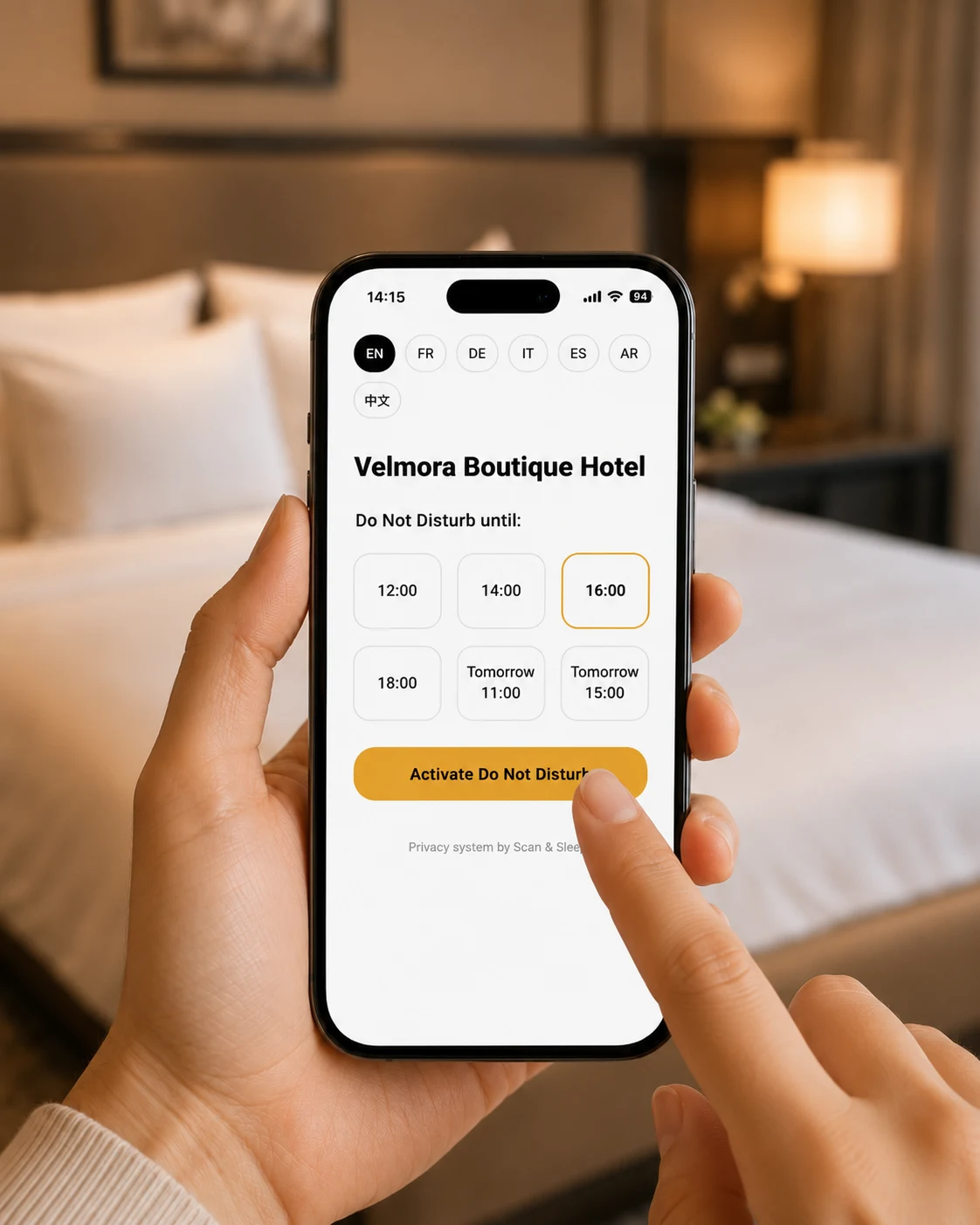 02
02
CHOOSE THE END TIME
 03
03
PRIVACY IS ACTIVE
 04
04
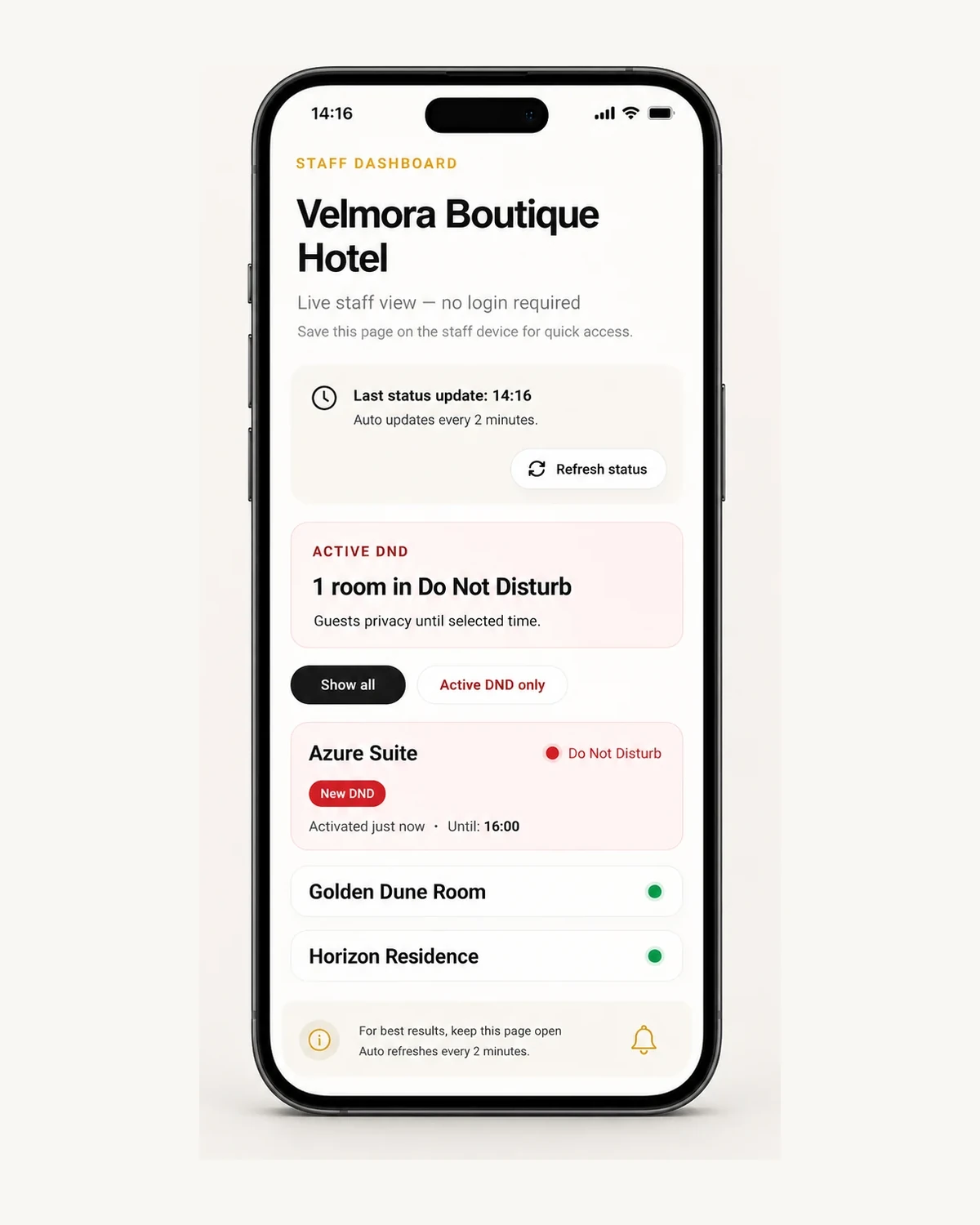
STAFF SEES IT LIVE
 05
05
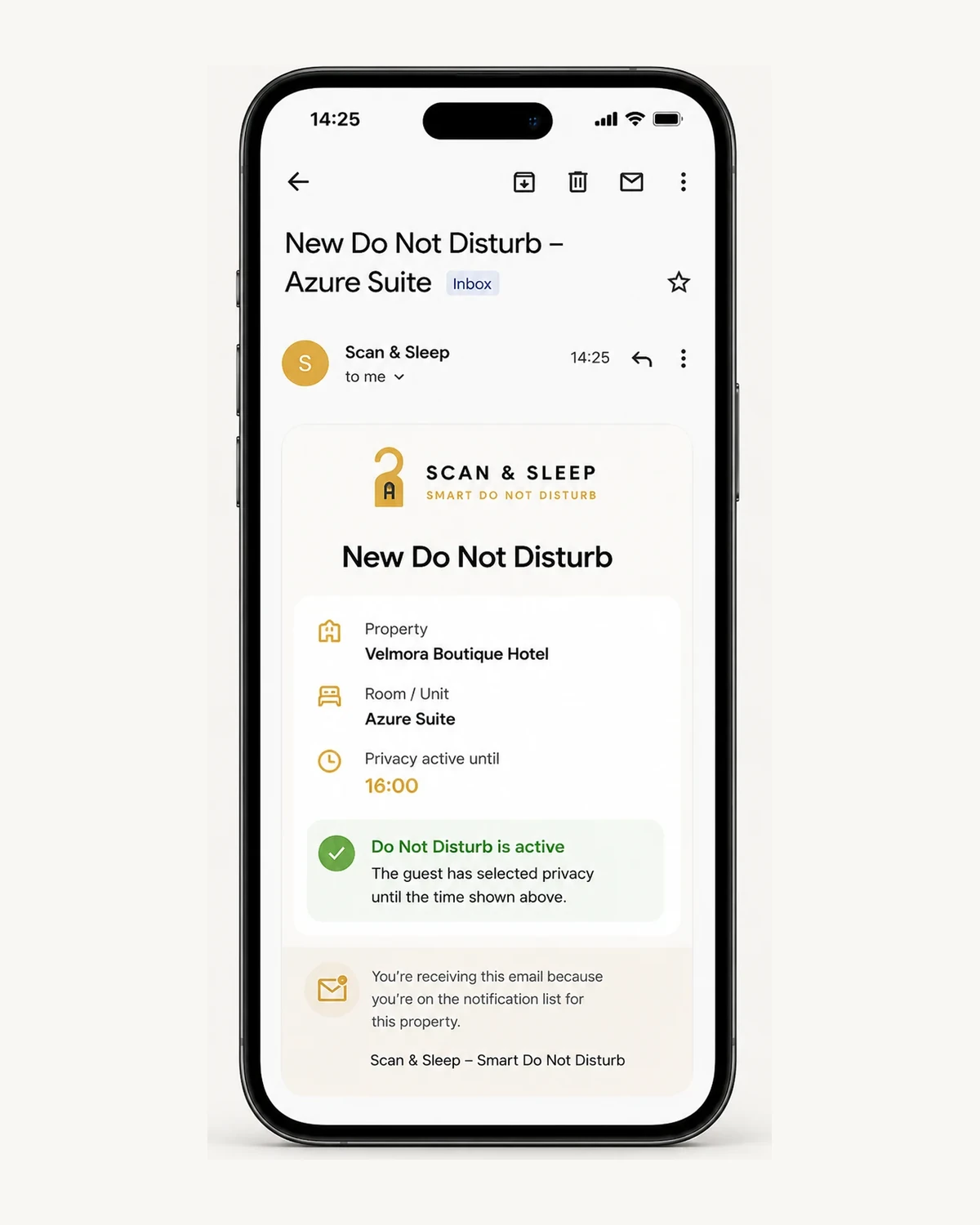
EMAIL ALERT
Everything needed for clearer Do Not Disturb.
Simple tools for guests, staff and property managers.
Permanent Room QR Codes
One permanent QR code for every room.
Live Staff Dashboard
See active requests and their end times in one clear view.
Automatic Expiry
DND ends automatically at the time selected by the guest.
Recent Do Not Disturb Activity & History
Review activations, cancellations and automatic expiry.
Ready-to-Print QR Cards
Print clear QR cards prepared for every room.
Email Alerts
Receive a notification when Do Not Disturb is activated.
Multilingual Guest Experience
Guests can use the Do Not Disturb page in their preferred language.
Property Settings & Controls
Manage email alerts, room names, timezone and guest-page display options.
Simple for guests. Easy for every property.
No app for the guest. No complicated setup for the property.
Guest privacy stays simple.
No guest account or personal data required
Guests never need to create an account or enter personal details.
Works from any phone browser
No installation or app store is required.
Room-based privacy
The QR identifies the room, not the guest.
Made for every type of accommodation.
Give your guests privacy with a clear end time
Start 30-Day Free Trial →No credit card required.
Simple answers before you start
Quick answers about guest access, staff use and setup.
Does the guest need an app or account?
Does staff need to log in?
Is room hardware required?
Does Do Not Disturb end automatically?
Set up your property step by step
Follow the Setup Guide to add your property, create the room QR codes, review your settings and prepare the Staff Dashboard.
Open Setup Guide